AI for Architects in 2026 — Which Tools Are Actually Worth Adopting
I spent the past year testing AI tools in day-to-day design work. Some earned a permanent place in our workflow, some lasted a week. A review with limitations and a sensible adoption order.

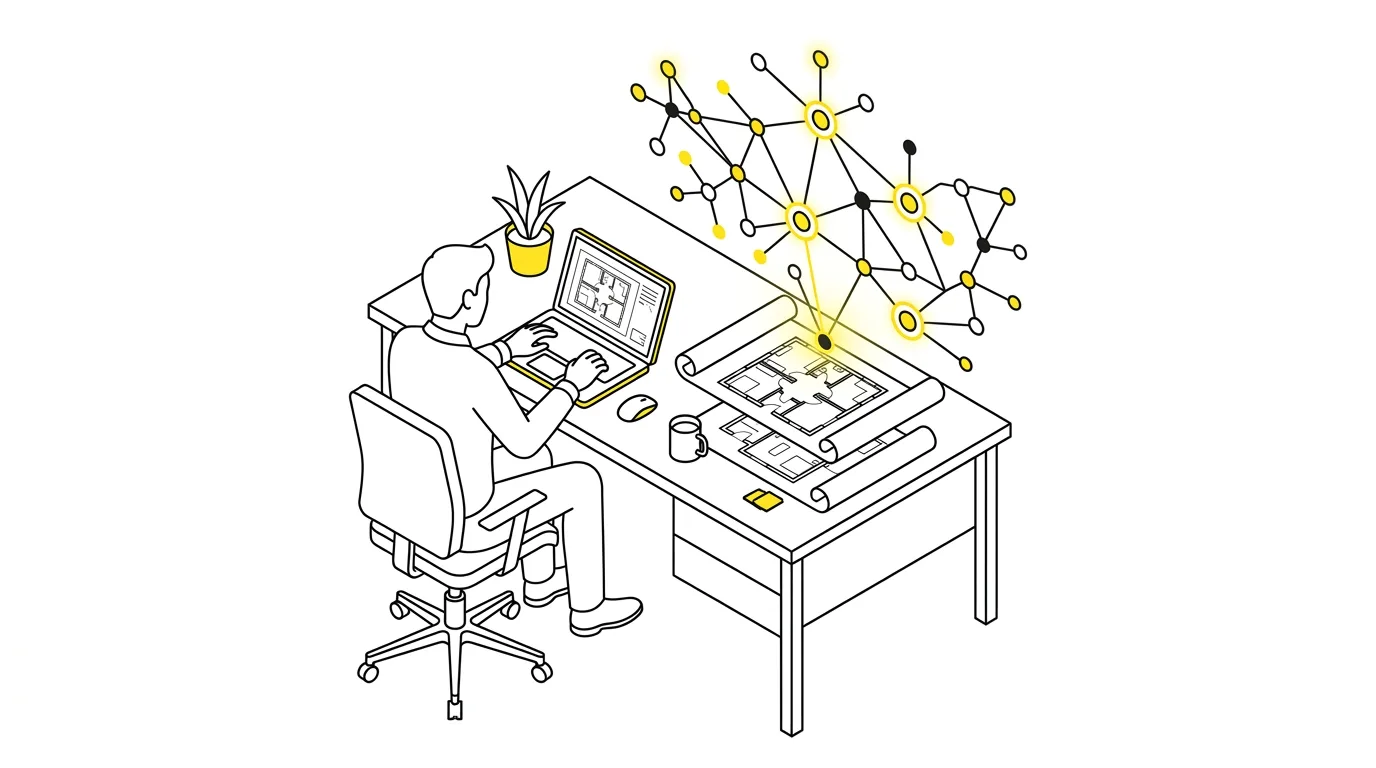
It’s hard to open a trade newsletter these days without another piece on AI in architecture. Everyone writes about it, few people test it. I spent the past year trying these tools in real project work. Some earned a permanent place in our workflow, some lasted a week, and a few weren’t worth the trial signup. Here’s what that testing adds up to for a commercial practice in 2026.
In short
- Generative AI (Midjourney, Firefly, Vizcom) earns its place in first client meetings: a concept variant in five minutes instead of an hour, but as a sketch, never as documentation.
- Paperwork delivers the most measurable gain: assistants like ChatGPT or Claude halve the writing time for letters and descriptions, and NotebookLM checks a concept against zoning in an hour instead of an afternoon.
- AI rendering (Lumion, D5 Render, Enscape) is a normal product category now; D5 Render is the most sensible start for a small practice.
- Names, addresses and plot numbers stay out of the prompt, and on a paid plan you switch off training on your data.
Generative AI for visualisation and early concepts
This is where AI made its biggest leap. Midjourney, DALL-E and Stable Diffusion with architectural plugins will generate dozens of concept variants in less time than Photoshop takes to open. That sounds like ad copy, so let me be specific about where it genuinely helps.
Where it genuinely helps
It works best in three situations:
- First client meetings. Instead of explaining floor plans to someone who has never read a technical drawing, I show three generated facade variants and ask which direction feels closer. The conversation gets concrete immediately.
- Stylistic exploration: a different material palette, different window proportions, a darker roof. Each of those variants used to cost an hour of work. Now it’s five minutes.
- Investor presentations, where AI imagery is good enough to communicate intent before you commission production renders.
What you can’t show a client as a design
What these tools won’t do is technical drawings. AI generates images, not documentation. The models routinely lose proportions, add windows where the structure doesn’t allow them, and draw staircases that lead nowhere.
Label everything you show a client as a concept sketch, plainly and out loud. Otherwise someone falls in love with a detail that can’t be built, and you spend three meetings walking it back.
Which tool to start with
| Tool | What it does | When it pays off |
|---|---|---|
| Midjourney | generates concept variants with the best image quality | when image quality matters most to you |
| Adobe Firefly | image generation inside Creative Cloud | when you already pay for Creative Cloud |
| Vizcom | turns a rough hand sketch into a coloured visualisation, surprisingly well | when you sketch by hand a lot |
AI rendering has matured commercially
Render engines with AI features stopped being an experiment somewhere in 2025. They’re now a normal product category. Three names worth knowing:
Lumion with AI Enhance
Lumion added AI-based render enhancement in post-processing plus environment generation. If you already hold a licence, just update. The difference shows most in vegetation and skies, exactly where manual touch-ups used to eat the most time.
D5 Render
Real-time rendering with AI denoising. The user base is smaller than Lumion’s, but the price is clearly lower and I keep seeing it in more small studios. In my view it’s the most sensible starting point for a small practice.
Enscape
The lowest barrier to entry if you work in ArchiCAD or Revit, because you render straight from the model with no exports. Its AI features for environments and vegetation are still developing, but the core integration has been solid for years.
AI copilots inside design tools
This area is moving fastest, which also means mature products are rare. Autodesk Forma handles early urban analysis: solar access, wind, noise. On multi-family projects it can save several days of analysis at concept stage. Graphisoft, meanwhile, is adding generative features to ArchiCAD. Modest so far, but the direction is clear.
Scripting is a category of its own. If you write anything in GDL or Dynamo, AI copilots cut that work by a factor of several. I’m not a programmer, yet with an AI assistant I wrote a script that cleans up layer structures in our documentation, something I’d been postponing for two years. It took one afternoon.
Paperwork, where AI saves the most
This gets the least attention and delivers the most measurable gains. Assistants like ChatGPT or Claude cut the writing time in half, often more, for documents such as:
- letters to authorities,
- responses to tender enquiries,
- technical descriptions,
- meeting notes.
One condition applies. You read everything before sending, because AI will confidently misquote a clause number from the building code without blinking.
For document analysis I use NotebookLM. You load the local zoning plan, the planning decision and the specifications, then ask questions instead of digging through an eighty-page PDF by hand. Checking a concept against zoning requirements takes an hour instead of an afternoon. I still read the key clauses myself. Trust, yes. Blind faith, no.
AI cost estimation is still maturing. These tools learn from historical data, so they produce sensible numbers mainly in large offices with a deep archive of completed projects. A small studio will price faster the old way, and that will stay true for a while yet.
Mind the confidentiality question
One thing that’s easy to forget amid the enthusiasm: some projects sit under NDAs, and free tiers of popular assistants may use whatever you type to train their models. Before you paste a developer’s technical brief or an investor’s details into a chat window, check which plan you’re on. Paid and enterprise tiers usually let you switch off training on your data. In our office that setting was a precondition for letting these tools in at all.
A simple team rule helps too: names, addresses and plot numbers stay out of the prompt. Anonymising takes a moment and spares you conversations nobody wants to have with a client’s lawyer.
What AI won’t do for an architect
Nobody is lifting professional liability or licensing off our shoulders. AI won’t sign a project, won’t stand in front of a building official, and doesn’t know the quirks of your local permitting office or the moods of the heritage conservator. It also doesn’t know that the neighbour has been filing complaints for years and the terrace should sit further from the boundary while that’s still an option.
An architect who uses these tools will handle more projects and show clients better material earlier than one who doesn’t. That gap will keep widening, not in one jump but quietly, project by project.
A practical way to start: block out one day a month to test one new tool. Most offer free trials. After a year you’ll know what works in your particular office, instead of relying on someone else’s reviews.
ArchiFlow gives investors real-time visibility into project progress — through one link from the office, with a login if they want one. Ask your architectural office if they use ArchiFlow.
Learn more →